a dunder_quest game · learn Git
Prince of Versions
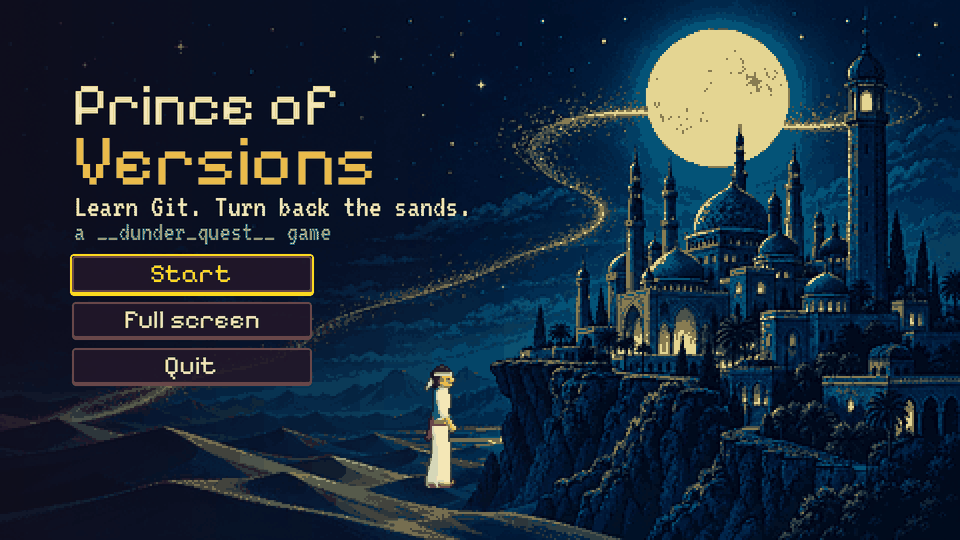
The Vizier has the Princess, the hourglass is running, and all you have is a dagger full of sand. It turns back time, but only to a moment you sealed. A seal is a git commit.
Play in your browserThe five rooms →
Free. Works on a phone held sideways, or with a keyboard or gamepad. Act I is playable now.
The trailer
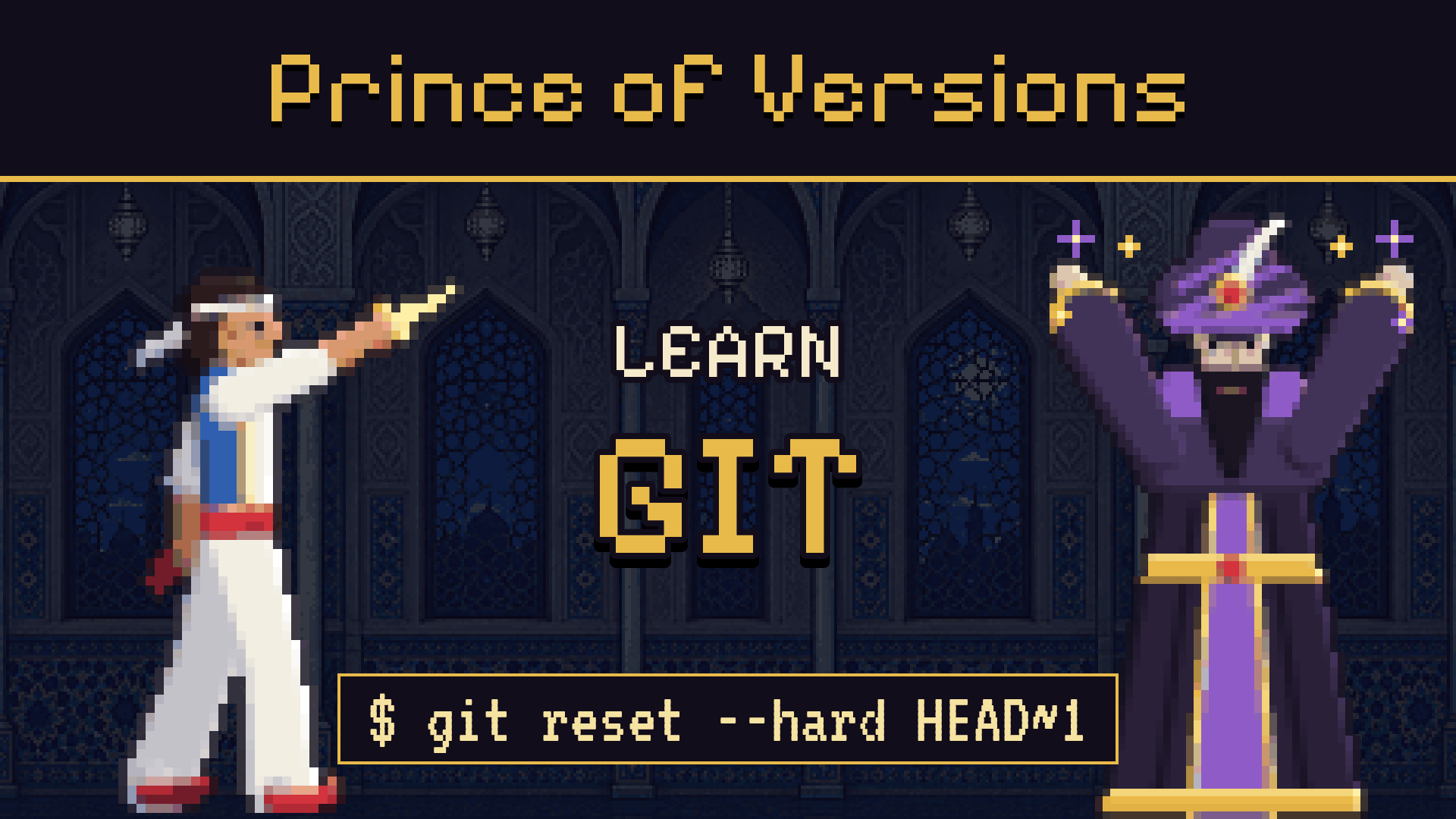 Play the Prince of Versions trailer
More on the channel: youtube.com/@dunderquest.
How it plays
Seal the moment
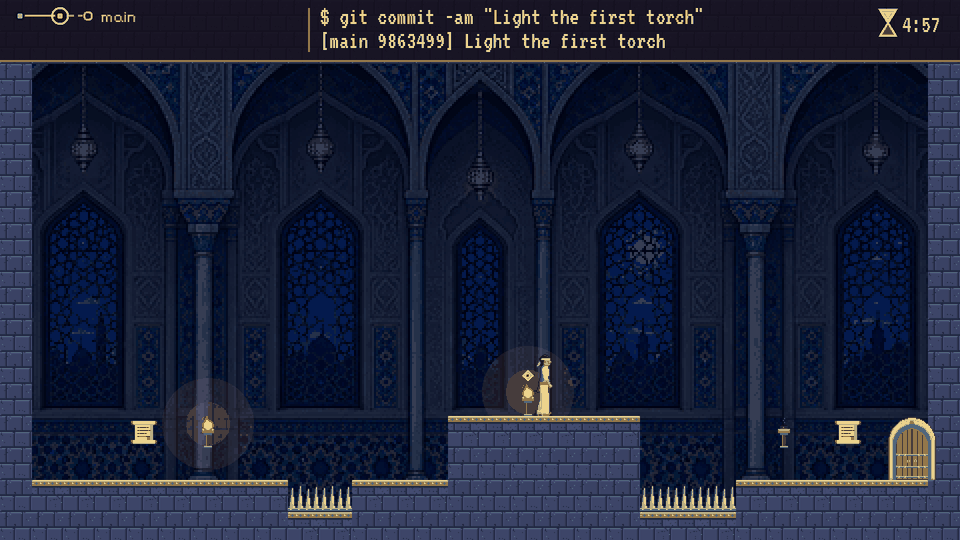
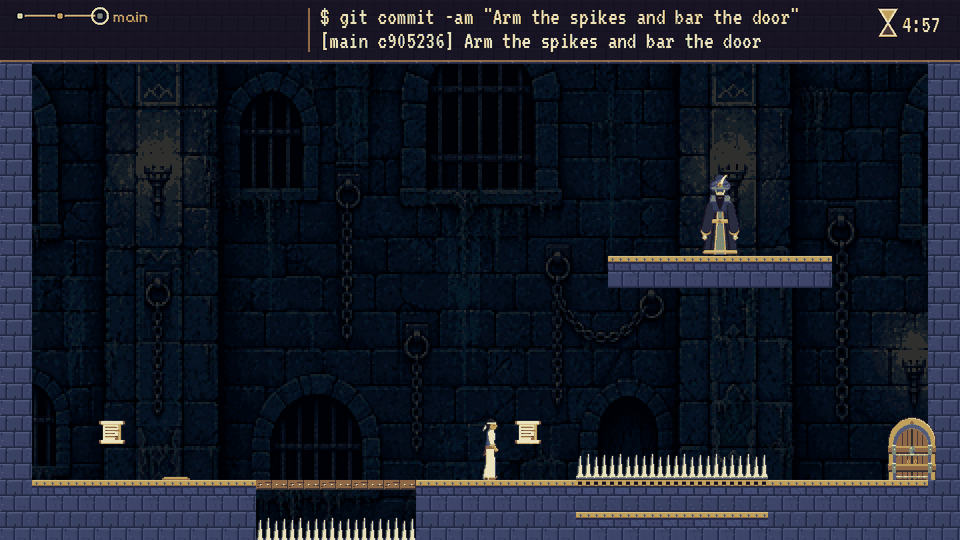
Every torch, gate and bridge in a room is a file in a real Git repository. Pull a lever and the file changes. Draw the dagger and commit, and that moment is yours to come back to.
Die, and turn back the sands
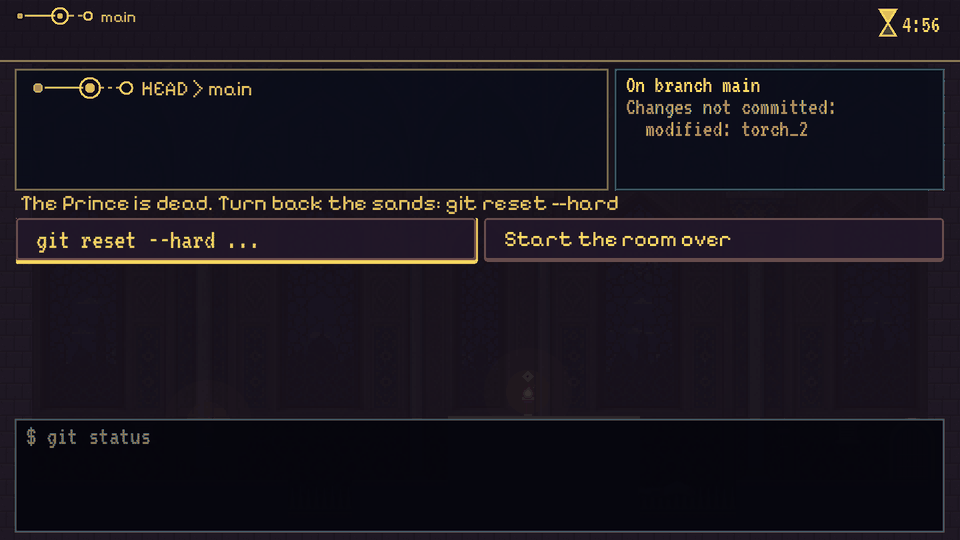
Fall on the spikes and time stops. The dagger only goes back to a commit, so whatever you hadn't sealed is gone. You learn when to commit the way everybody does: by losing something.
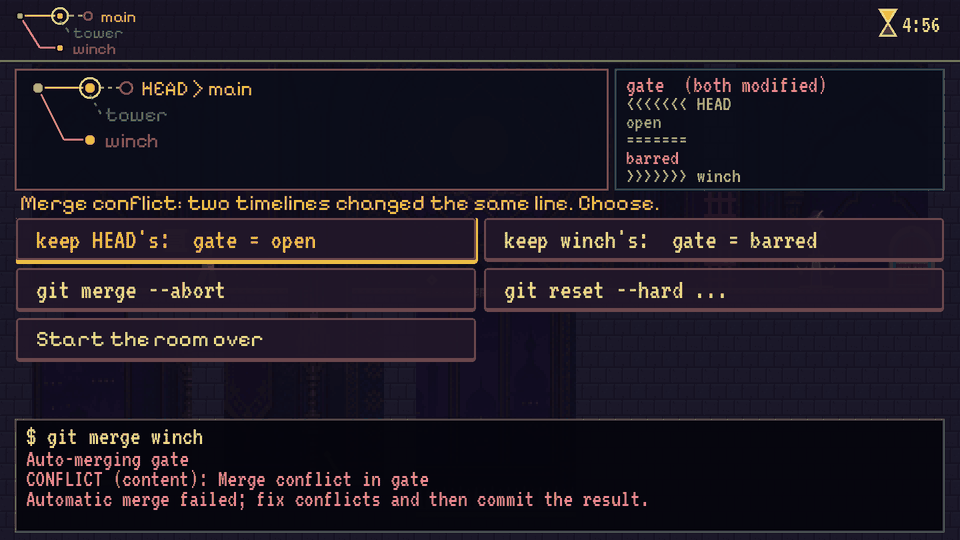
Settle the conflict
Later rooms need two timelines at once. Branch, pull a lever in each, and merge. When both changed the same line, Git stops and asks, in the markers it really writes.
The rooms
Act I is five rooms, from your first commit to your first merge conflict. Every room ends on a card with the commands you just used, as you'd type them.
-
Room 1
The Hall of Seals
git commit · git reset --hard HEADA commit is a save point git status # what changed since the last commit git commit -am "Light the first torch" git reset --hard HEAD # throw away everything sinceA commit is a snapshot of every tracked file. reset --hard puts them all back, and whatever you hadn't committed is gone for good. (-a stages files Git already tracks; a brand-new file needs git add first.)
-
Room 2
The Vizier's Seal
git log · git reset --hard <commit>Go back further than HEAD git log --oneline # every commit, newest first git reset --hard HEAD~1 # the commit before HEAD git reset --hard 3f2a1c9 # or any commit, by its idHEAD is the newest commit on your branch, whoever made it. Resetting to an older commit drops every commit after it from the branch. commit -am takes every changed file, so the Vizier's commit swept up anything you hadn't sealed.
-
Room 3
The Princess's Bridge
git revert · ORIG_HEADUndo one commit, keep the rest git revert 3f2a1c9 # a new commit that undoes that one git reset --hard ORIG_HEAD # undo the reset you just regrettedrevert doesn't remove anything from history: it adds a commit that does the opposite, so every later commit stays. It's the safe undo on a branch other people share. ORIG_HEAD is where HEAD was before your last reset or merge.
-
Room 4
Two Doors
git switch -c · git switch · git mergeBranches are parallel timelines git switch -c left # a new branch, and step onto it git switch main # back to main: the files change with you git merge left # bring left's commits into main # older spelling: git checkout -b left, git checkout mainA branch is a name on a commit. Try something on a branch and main never knows. If main hasn't moved, merging just slides main forward to the branch (a fast-forward). Uncommitted changes follow you between branches unless the switch would overwrite them.
-
Room 5 · boss
The Vizier's Gate
git merge · conflictsA conflict is Git asking you <<<<<<< HEAD open ======= barred >>>>>>> winch git add gate # after you've fixed the file git commit # finish the merge git merge --abort # or call the whole merge offGit merges whatever only one side changed (the drawbridge). When both sides changed the same line, it writes both into the file between markers and stops. HEAD's side is the branch you're on; the other is the one you're merging in. Edit the file to what you want, add it, commit.
It's real Git
The dagger does the typing, and it shows every command it runs and Git's own reply. The commit ids on screen are the ones Git computes: the game hashes each commit the way Git does. On every change to the game, a script replays each room's solution, and a set of wrong turns, in a real repository and checks that git gives the same ids, the same files, the same conflicts and the same output.
The palace guard who refuses commits on main is a real pre-commit hook. This is all of him:
#!/bin/sh
# The palace guard: nothing is committed straight onto main, except a merge.
branch=$(git symbolic-ref --short HEAD)
if [ "$branch" = main ] && [ ! -f "$(git rev-parse --git-dir)/MERGE_HEAD" ]; then
  echo "The palace guard: no commits straight onto main. Make a branch (git switch -c)." >&2
  exit 1
fi
The palace
- The Prince nimble, brave, and carrying a dagger full of sand
- Grand Vizier Rebasir the villain, who commits sabotage and means to rewrite history
- Princess Shirin locked in the tower, keeping the palace ledger
Act II: the Vizier rewrites history
Designed, not built yet. The dagger still has tricks to learn:
git stashput a change down, switch timelines, pick it back upgit cherry-picktake one commit from another timeline without the restgit bisectfind which commit sprang the trap by halving the historygit reflogthe last resort: everywhere HEAD has been, even after a resetgit rebasethe Vizier rewrites history, and why nobody rewrites a shared branch
How to play
- Keyboard Arrows or A/D to run, Space to jump, Q to draw the dagger. Arrows and Enter (or the mouse) pick a command.
- Phone Hold it sideways. Arrows on the left, JUMP and GIT on the right; the dagger's commands are buttons.
- Gamepad D-pad or stick to run, A to jump, Y to draw the dagger.
Prince of Versions is an homage to a certain palace-run platformer and its time-rewinding sequel. The names, rooms, art and music are its own, and it isn't affiliated with or endorsed by anyone who made them.